Offline maps and making your phone battery last
No signal in the mountains is normal. How to keep your map working offline and your phone alive until you are home.
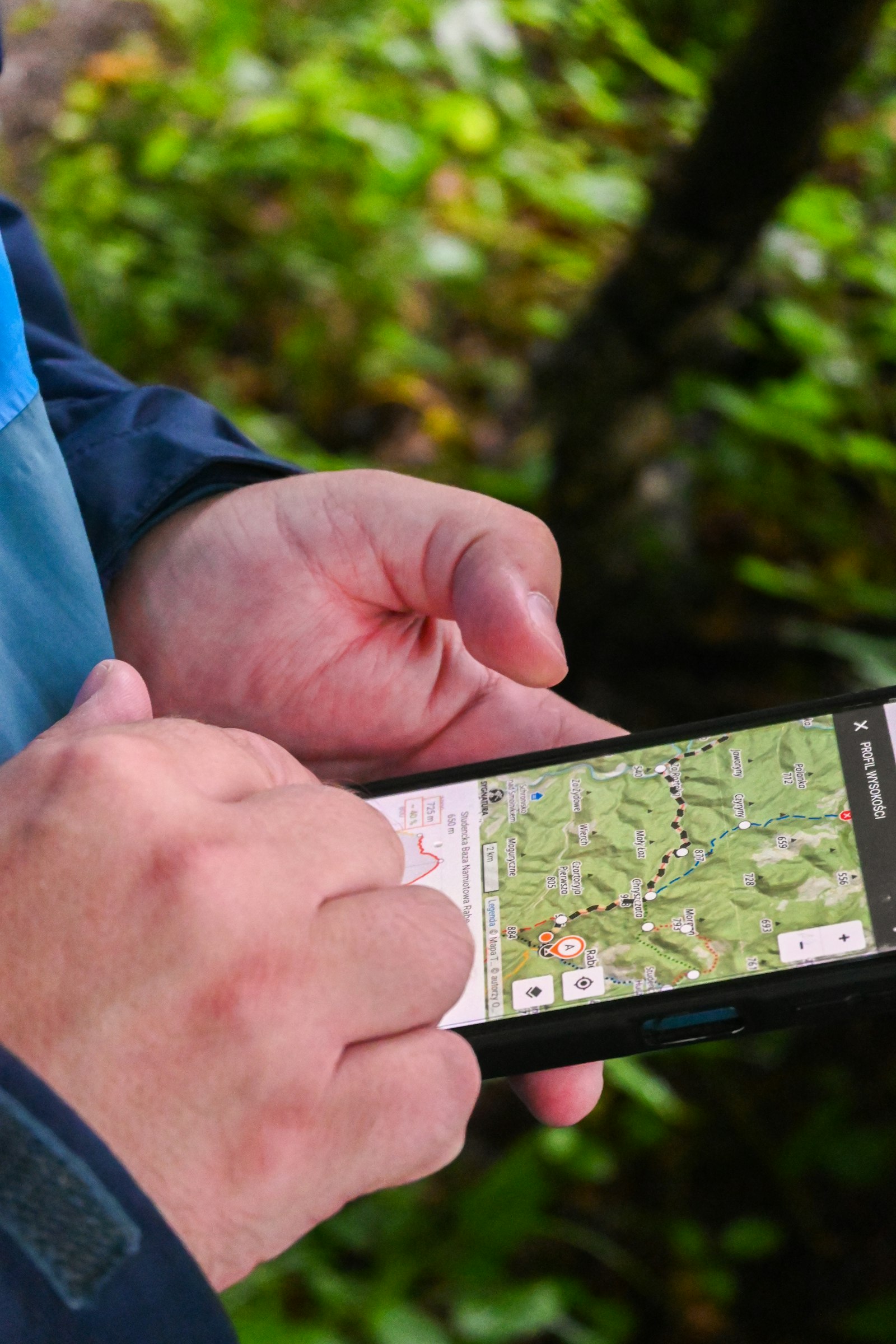
Your phone is your map, your torch, your camera and your way to call for help. Out of signal and in the cold, it also drains faster than at home. A little preparation keeps it going all day.
Download the map before you go
- check_circleDownload the whole area at home on Wi-Fi, not only the trail: you may need to leave the route.
- check_circleOpen the downloaded map once in airplane mode to check it really works offline.
- check_circleSave the route you plan to follow, so the line is on the map without signal.
GPS does not need phone signal. Your phone can show where you are on a downloaded map even in airplane mode, as long as location services stay on.
Save battery on the trail
- check_circleCharge to full the night before and start the day at 100%.
- check_circleTurn on low power mode and lower the screen brightness.
- check_circleIn areas without signal, use airplane mode with location on: searching for signal drains the battery quickly.
- check_circleClose apps you do not need and turn off Bluetooth if you are not using a watch or sensor.
- check_circleCheck the map, then lock the screen. A screen left on is the biggest drain.
Cold is the enemy
Low temperatures make lithium-ion batteries lose charge quickly, and a phone can switch off while still showing charge. Keep it in an inside pocket close to your body, not in the top of your pack or a hip-belt pocket, and warm it up before you rely on it.
Carry a power bank
- check_circleA 10,000 mAh power bank usually refills a phone about twice.
- check_circleBring the right cable, and keep both in a dry bag.
- check_circleOn multi-day trips, count how much you need per day and add a margin.
Decide on a reserve, for example 30%. When the phone reaches it, stop using it for photos and music and keep it for navigation and emergencies.
A phone is not a full backup on its own. On longer or remote routes, carry a paper map and compass too, and know how to use them.

Download regions in Pathsie's Offline Maps before you leave; route recording and GPS Mode keep working without signal, and GPS Mode is built to use as little battery as possible.
verifiedSources
This guide is based on the advice of these organisations.
- Mountaineering Scotland — Smartphones and GPS for navigationopen_in_new
- Apple — Batteries: maximizing performanceopen_in_new
- Android Help — Get the most life from your batteryopen_in_new
- Google Maps Help — Download areas and navigate offlineopen_in_new
This guide is general information, not a substitute for training. Learn these skills on a course or with an experienced guide before relying on them.